
Product
AI translation
AI translation accelerates first-pass localization while preserving terminology and tone requirements defined by your team.
Batch generation for pages, blog posts, and product text Glossary and terminology enforcement Human review handoff with confidence indicators
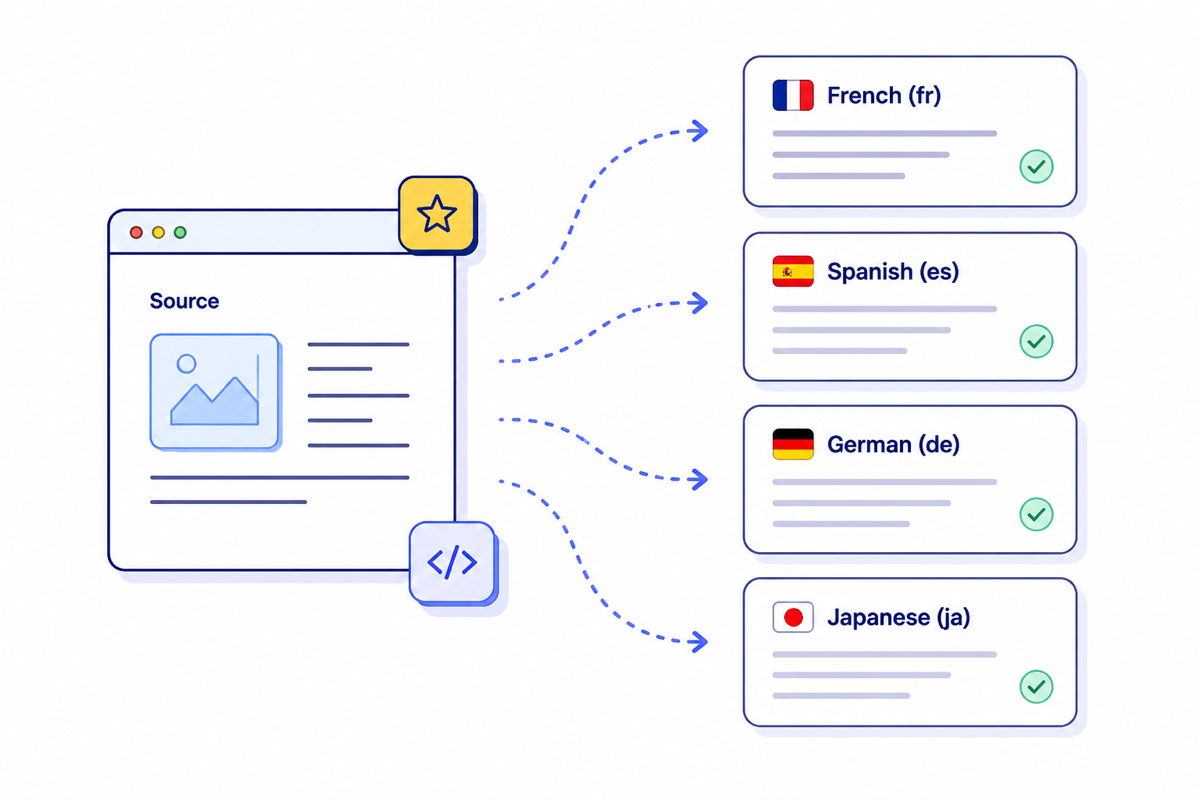
Generate at scale
One capability, connected to the full launch workflow
Generate multilingual drafts with brand and glossary alignment.
- 01Batch generation for pages, blog posts, and product text
Select content segments and target locales.
- 02Glossary and terminology enforcement
Run AI generation with selected tone preset.
- 03Human review handoff with confidence indicators
Approve, edit, or re-run low-confidence segments.
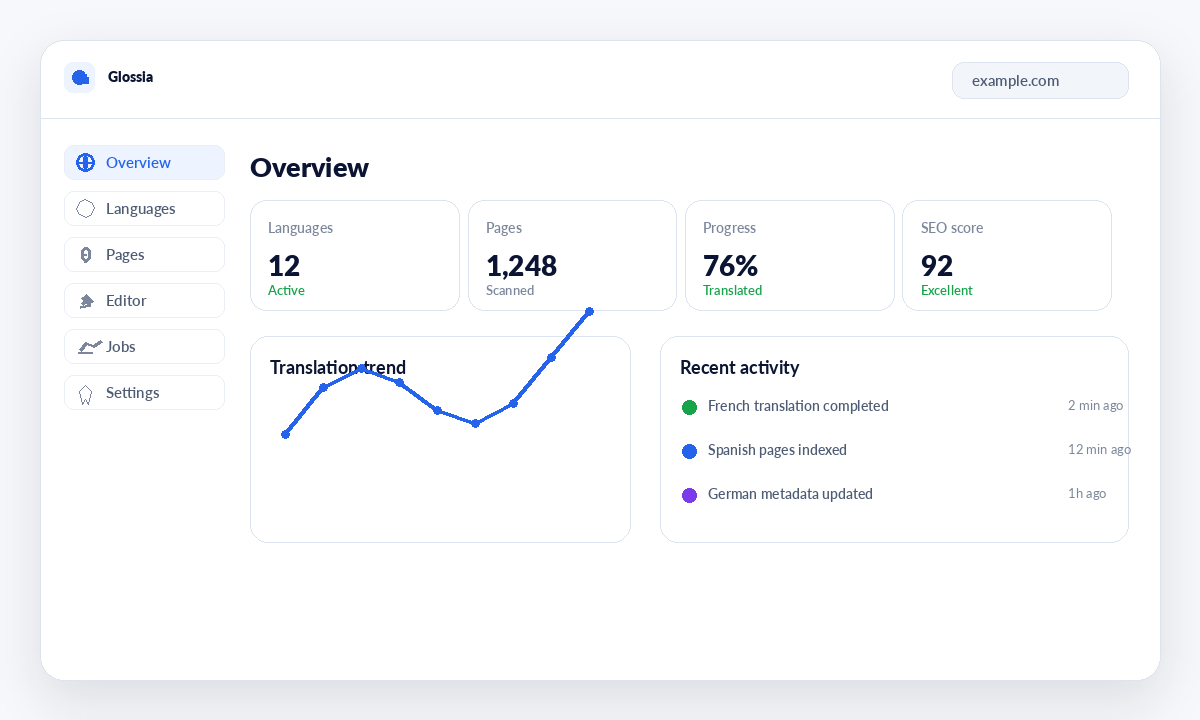
From first setup to controlled release
Keep the capability close to the content, people, and release checks it supports.
Explore the complete product blueprint- 1Step 1
Select content segments and target locales.
- 2Step 2
Run AI generation with selected tone preset.
- 3Step 3
Approve, edit, or re-run low-confidence segments.
Built for reliable delivery
Human ownershipEditors, reviewers, and publishers stay accountable.
Quality safeguardsTerminology, QA, and approval checks remain visible.
Market-ready outputEvery locale moves through a controlled release path.
Ready to launch in every market?
Start with one capability, connect the full workflow, and scale from the same governed workspace.